
Just write, Notal AI files it.
No forms to fill out. Write “taxi home yesterday 20”, say it, or snap a receipt. Notal AI reads the amount, day, and category, and asks when it’s not sure.
Notal: AI Expense Tracker
For iPhone. In English and Turkish.

- Amount
- −$20
- Day
- Yesterday
- Category
- Taxi
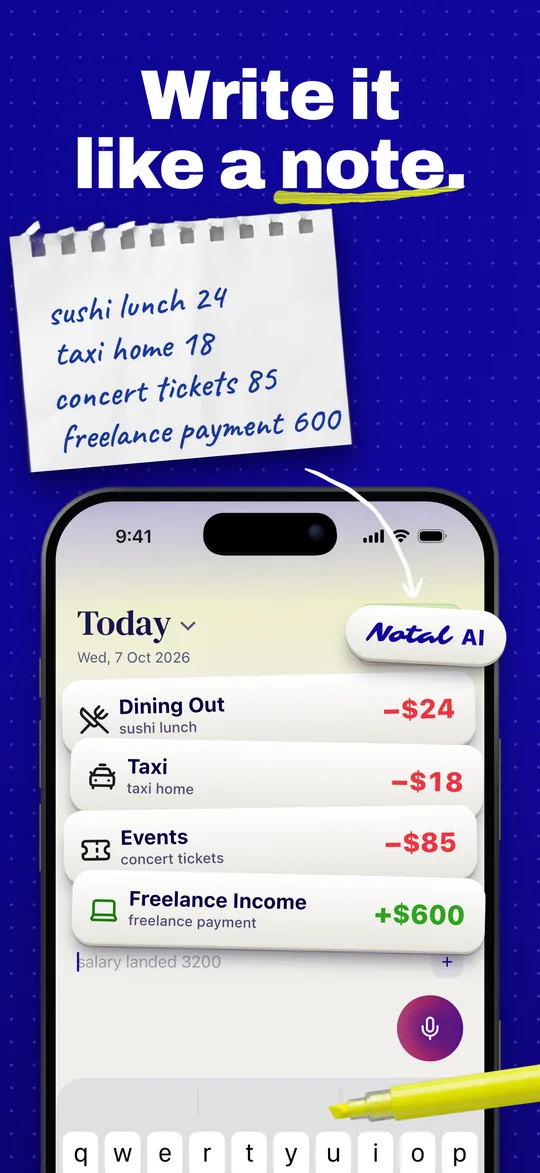
Write it like a note.
Type “lunch 12” or “paycheck 3200” and it goes on today’s page. Name the day if it wasn’t today: “taxi home yesterday 20” goes on yesterday’s page.
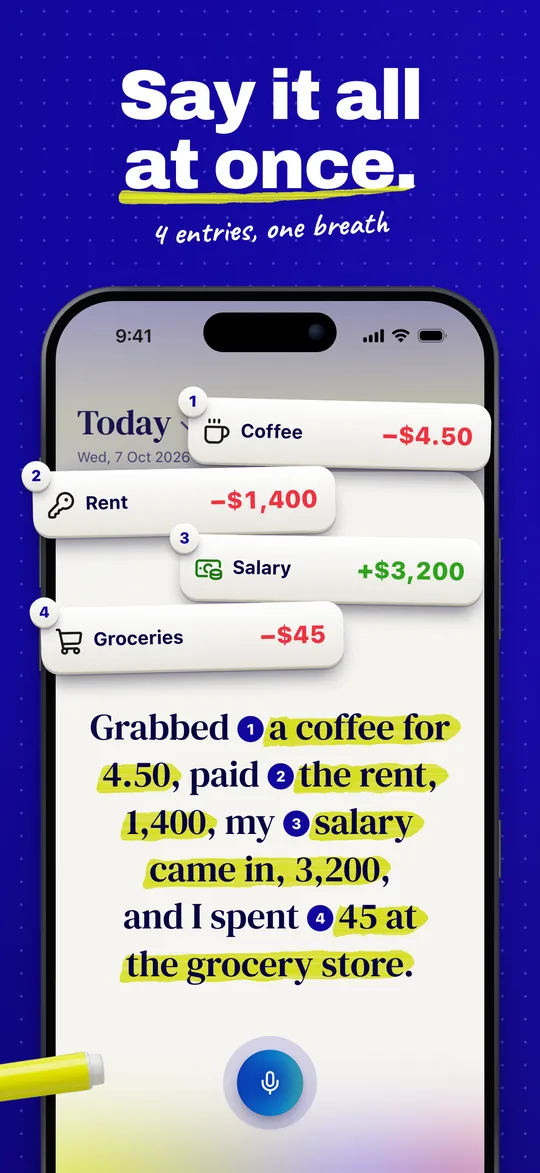
Say it all at once.
Tap the mic and say one line. If one line holds several purchases, Notal AI offers to split it into separate entries.
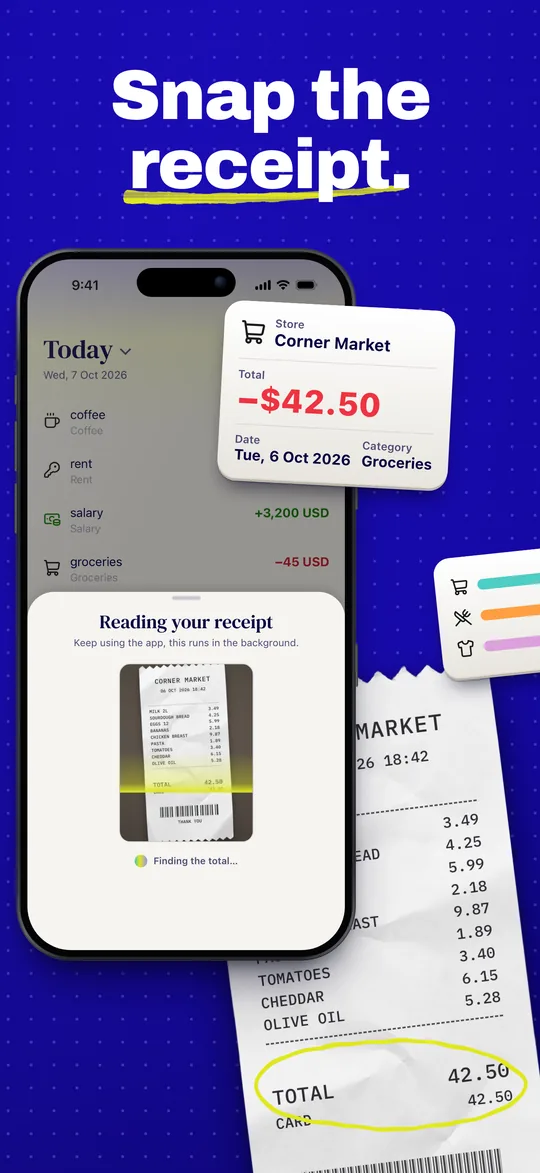
Snap the receipt.
Take a photo of a receipt or choose one from your photo library. Notal AI reads the store name, the total, and the date, and picks a category.
When Notal AI isn’t sure what you meant, it asks one short question, and that line stays out of your balance until you answer.
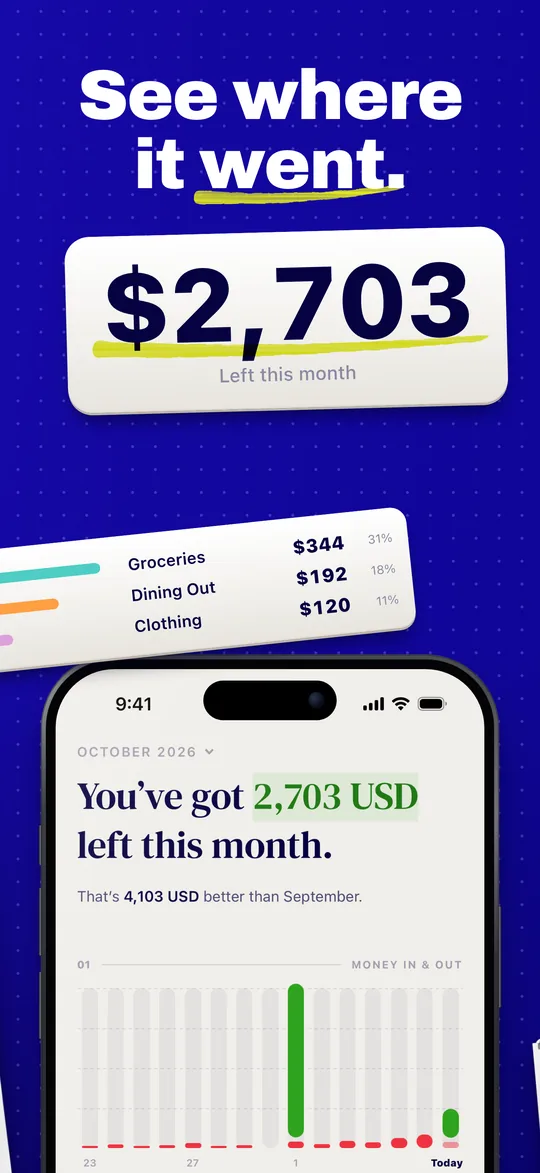
Money in, money out, and what’s left. Each day has its own page: swipe between days, and every line shows its category as an icon.
Screenshots
Privacy
What you type and the receipts you photograph go only to AI services that keep no copy and never train on them. Voice notes are different: a separate third-party service turns them into text, and those two promises don’t cover voice. Your data is never sold and never used for ads. Notal AI asks your permission before it reads anything. Notal doesn’t connect to your bank.